PDF to JSON & CSV Converter – Convert PDF Data Online with AI | DataGuru
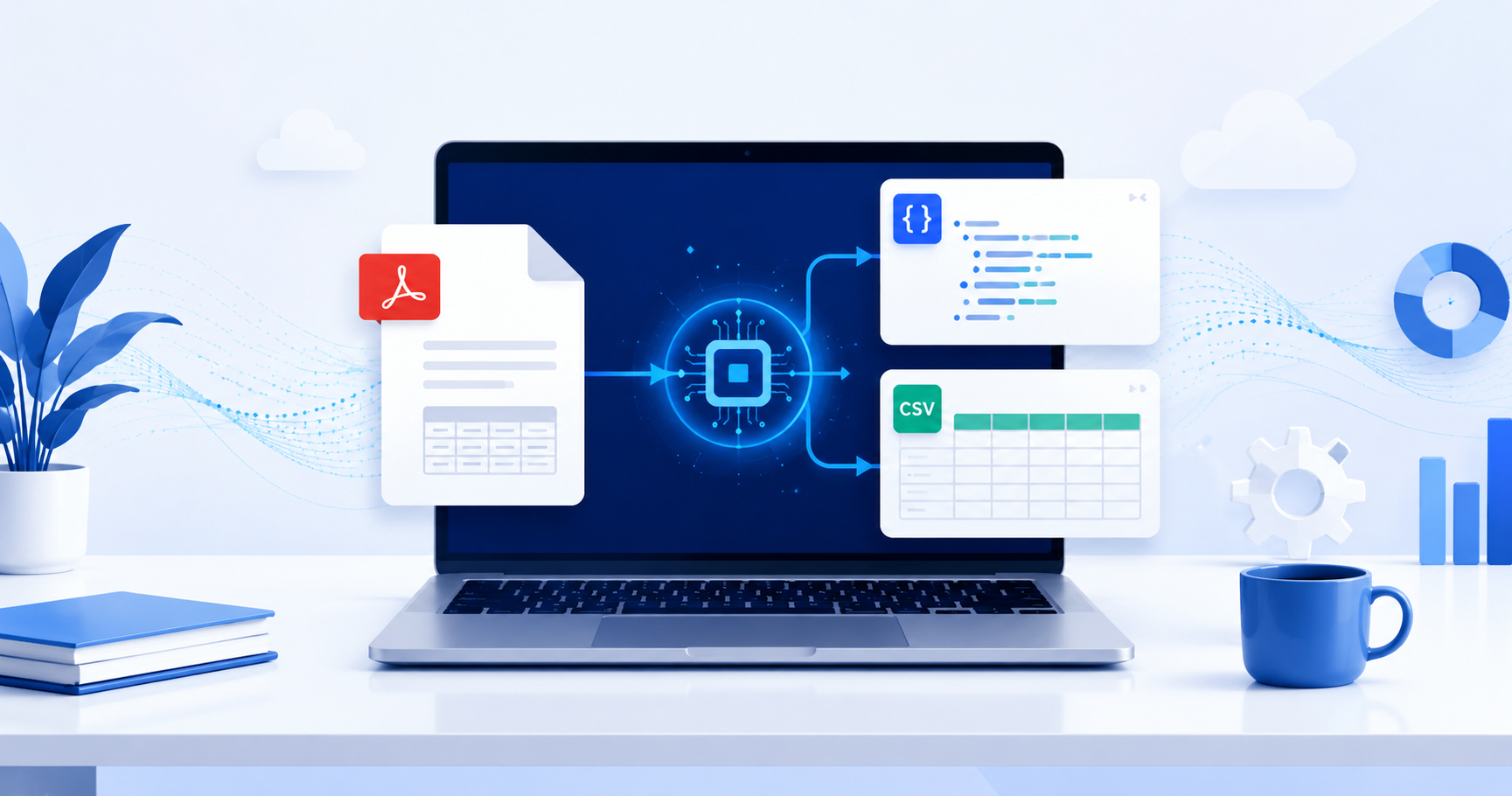
Convert PDF to JSON or CSV Instantly with AI
Working with PDF documents often means dealing with information that's difficult to edit or analyze. Whether you're processing invoices, bank statements, reports, or forms, manually copying data into spreadsheets or databases can be slow and error-prone.
That's where DataGuru's PDF to JSON & CSV Converter comes in. It transforms PDFs into structured JSON or CSV files within seconds using AI-powered extraction technology, making your data ready for spreadsheets, applications, APIs, and analytics.
Why Convert PDFs to JSON or CSV?
PDFs are designed for viewing, not editing. Converting them into structured formats provides several benefits:
- Save hours of manual data entry
- Reduce human errors
- Extract tables automatically
- Import data into Excel or Google Sheets
- Connect data with APIs and databases
- Automate business workflows
Instead of copying information line by line, you can upload your PDF and receive organized data ready to use.
Key Features
AI-Powered Extraction
The converter intelligently identifies tables, fields, and structured information from PDFs for highly accurate results.
JSON & CSV Output
Choose JSON for developers and APIs or CSV for Excel, Google Sheets, and business reporting.
No Signup Required
Start converting immediately without creating an account.
Fast Processing
Most files are processed in just a few seconds.
Privacy First
Your uploaded documents are handled securely, with a focus on protecting your data.
API Ready
Businesses and developers can integrate PDF extraction directly into automated workflows.
How It Works
Using the converter is simple:
- Upload your PDF.
- Select JSON or CSV.
- Wait a few seconds while AI extracts the data.
- Download the structured file.
No software installation or technical knowledge is required.
Perfect For
This tool is ideal for:
- Data Analysts
- Developers
- Finance Teams
- Accountants
- HR Departments
- Researchers
- Students
- Business Owners
- Freelancers
Whether you're processing one document or hundreds, structured data saves time and improves productivity.
Common Use Cases
- Invoice data extraction
- Bank statement conversion
- Financial reporting
- Research data collection
- HR document processing
- Business analytics
- Database imports
- Automation pipelines
- Excel reporting
Why Choose DataGuru?
Unlike traditional PDF converters that only export text, DataGuru uses AI to preserve the structure of your documents. Tables, rows, and fields remain organized, making the output much easier to work with.
With support for JSON, CSV, API integration, and fast online processing, it's an excellent solution for both individuals and businesses.
Final Thoughts
If you're tired of manually copying information from PDF files, DataGuru's PDF to JSON & CSV Converter provides a faster, smarter solution. Simply upload your file, choose your preferred format, and download structured data ready for analysis, automation, or integration.
Whether you work with invoices, reports, forms, or research documents, this tool helps streamline your workflow and improve accuracy.